
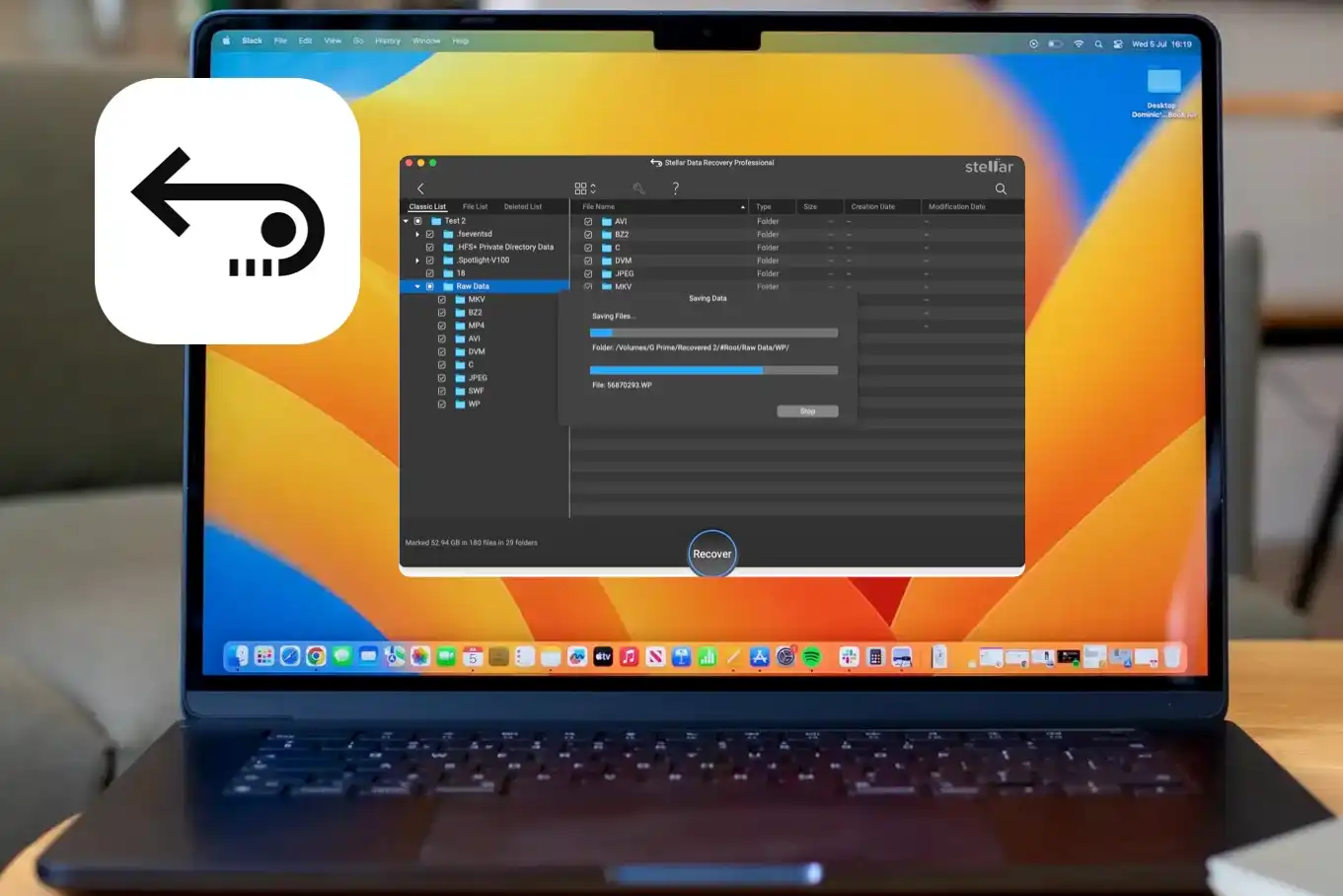
Accidentally deleting important files can be stressful, whether it’s business documents, personal photos, videos, or critical system data. Data loss can happen due to accidental deletion, formatting errors, system crashes, virus attacks, or corrupted storage devices. That’s why having a reliable data recovery solution is essential.
In this review, we’ll take a closer look at Ritridata, a modern data recovery software designed to help users recover lost files from hard drives, SSDs, USB drives, SD cards, and more.
Why You Need Data Recovery Software
Data loss is more common than most people think. Some of the most frequent causes include:
- Accidental file deletion
- Formatting a drive without backup
- System crashes
- Partition errors
- Corrupted SD cards
- Virus or malware attacks
When files are deleted, they are not immediately erased from the storage device. Instead, the space becomes available for new data. With the right recovery tool, you can scan and restore those files before they are overwritten.
This is where professional tools like Ritridata come into play.
What is Ritridata?
Ritridata is a data recovery software solution built for both Windows and Mac users. It is designed to recover deleted, lost, formatted, or inaccessible files from various storage devices.
The software focuses on:
- Deep scanning technology
- Support for multiple file formats
- Easy-to-use interface
- Fast recovery process
Whether you’re a home user trying to recover family photos or an IT professional restoring business data, Ritridata aims to provide a practical and efficient recovery solution.
Key Features of Ritridata
1. Recover Deleted Files Easily
Ritridata allows users to recover files that were accidentally deleted from:
- Recycle Bin
- Hard drives (HDD & SSD)
- USB flash drives
- Memory cards
- External storage devices
The quick scan feature helps locate recently deleted files in just a few minutes.
2. Deep Scan for Formatted or Corrupted Drives
If a drive has been formatted or becomes inaccessible due to corruption, the Deep Scan mode performs a sector-by-sector scan to locate recoverable data.
This is especially useful in cases like:
- Formatted SD cards
- RAW partitions
- Corrupted external hard drives
The deep scan takes longer but significantly increases the chances of recovery.
3. Support for Multiple File Types
One of the strengths of Ritridata is its broad file format support, including:
- Documents (DOC, PDF, XLS, PPT)
- Photos (JPG, PNG, RAW formats)
- Videos (MP4, MOV, AVI)
- Audio files
- Emails and archives
This makes it suitable for both personal and professional use.
4. User-Friendly Interface
Not everyone is tech-savvy. Fortunately, Ritridata offers a simple, clean interface:
- Select location
- Scan
- Preview files
- Recover
The preview feature allows users to check files before recovery, ensuring accuracy and saving time.
5. Compatibility with Windows and Mac
Cross-platform support makes it convenient for users working in mixed environments. Whether you’re using Windows 10 or 11 or macOS, Ritridata provides compatibility and consistent performance.
Performance and Recovery Success
In testing scenarios involving:
- Deleted documents
- Formatted USB drives
- Corrupted SD cards
Ritridata demonstrated solid recovery performance. Quick scans were fast and effective for recently deleted files, while Deep Scan identified older or formatted data that standard tools often miss.
Of course, recovery success always depends on whether the data has been overwritten. The sooner you act after data loss, the higher the success rate.
Pros and Cons:
✅ Pros
- Easy-to-use interface
- Supports multiple devices and file types
- Deep scan capability
- Preview before recovery
- Works on Windows and Mac
❌ Cons
- A deep scan can take time on large drives
- Recovery success depends on the overwrite status
Who Should Use Ritridata?
Ritridata is suitable for:
- Home users recovering photos or documents
- Students who lost assignments
- Small businesses restoring important files
- IT professionals need reliable recovery software
If you’re looking for a straightforward and effective data recovery tool without complicated technical steps, Ritridata is worth considering.
Final Verdict: Is Ritridata Worth It?
Data loss can happen anytime, and having the right recovery tool can save both time and money. Based on its features, usability, and recovery capabilities, Ritridata stands out as a practical data recovery solution for Windows and Mac users.
With support for various storage devices, deep scanning technology, and a user-friendly interface, it offers a balanced combination of performance and simplicity.
If you’re searching for reliable data recovery software to recover deleted files from a hard drive, SD card, or USB device, Ritridata is definitely a tool to consider.