
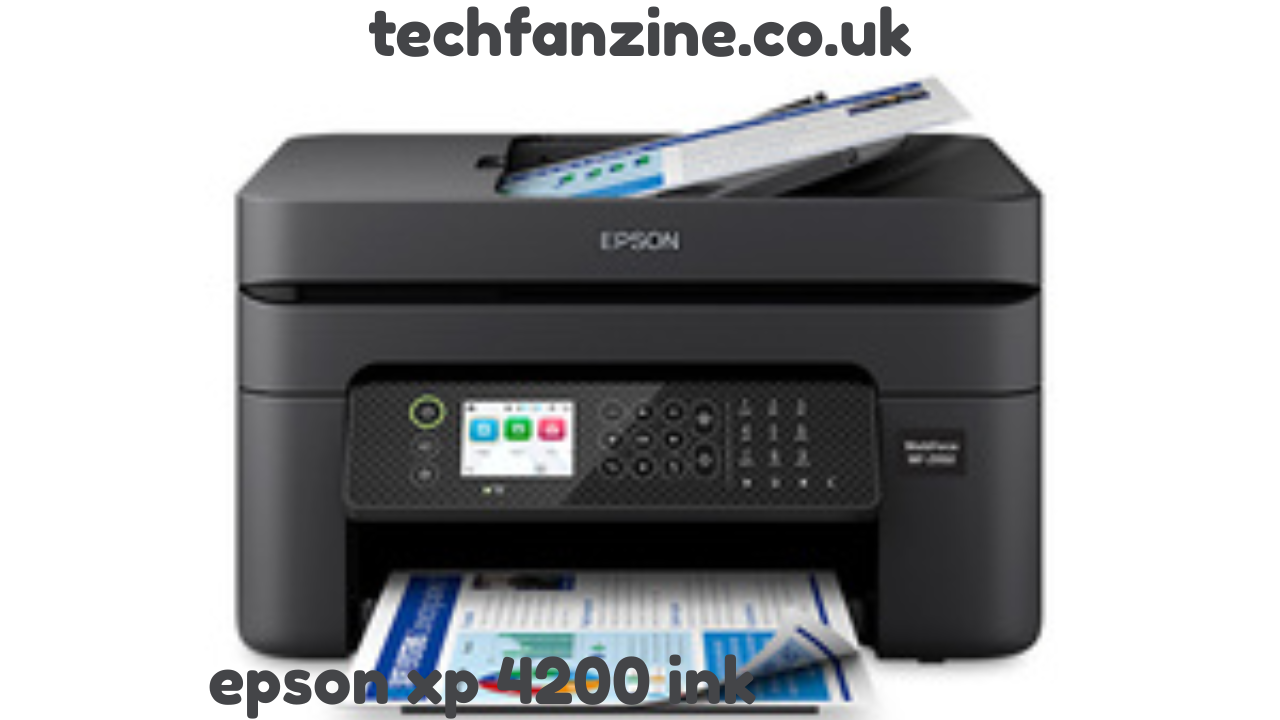
The Epson XP 4200 ink system has become a staple for home and small office printing, combining efficiency with high-quality output. Whether you are printing documents, photos, or creative projects, understanding how ink for Epson XP 4200 works and maintaining your printer with the correct cartridges can save you time, money, and frustration. In this guide, we will explore everything from choosing the right cartridges to proper installation, troubleshooting, and maximizing the life of your printer.
Understanding Epson XP 4200 Ink

The Epson XP 4200 is an all-in-one printer that supports wireless printing and a compact design suitable for limited spaces. One of the key factors that determine its performance is the Epson XP 4200 ink. This printer uses individual ink cartridges, typically in black, cyan, magenta, and yellow. This means that when one color runs out, you only replace that specific cartridge instead of a whole set, which is cost-efficient.
Epson manufactures ink cartridges that are specially designed for the XP 4200 series. Using original Epson XP-4200 ink ensures vibrant colors, sharp text, and reliability over third-party alternatives, though there are compatible options that may save money. However, it’s crucial to check compatibility to prevent clogging, leaks, or printer errors.
Types of Ink for Epson XP 4200

When selecting ink for Epson XP 4200, you have two main choices:
- Original Epson Ink Cartridges – These are labeled with the Epson brand and are designed specifically for the XP 4200. The common models include 212 Black, 212 Cyan, 212 Magenta, and 212 Yellow. They deliver consistent quality and reduce the likelihood of printer malfunctions.
- Compatible or Third-Party Ink Cartridges – These are produced by third-party manufacturers. While often cheaper, they may vary in quality and longevity. Using these can sometimes void warranty or result in print errors. If opting for third-party options, choose trusted brands with good reviews.
Regardless of choice, proper storage is critical. Ink should be kept in a cool, dry place and sealed when not in use to avoid drying out or clogging your printhead.
Epson XP 4200 Ink Cartridge Replacement
Replacing your Epson XP 4200 ink cartridge is straightforward, and knowing how to do it properly can prevent leaks or damage. Here’s a step-by-step guide for Epson XP-4200 ink cartridge replacement:
- Turn on your printer and open the top cover. The cartridge holder will automatically move to the replacement position.
- Press the tab on the empty cartridge and gently lift it out.
- Remove the new cartridge from its packaging. Be careful not to touch the chip or nozzles.
- Insert the new cartridge into the correct slot and push down until it clicks into place.
- Close the printer cover and allow the printer to initialize the new ink. A small alignment process may occur automatically.
Following these steps ensures a smooth Epson XP 4200 ink cartridge replacement and prevents common issues like improper alignment or error messages.
Maximizing Ink Life and Efficiency
To get the most out of your Epson XP 4200 ink, consider these tips:
- Print in Draft Mode for Daily Documents: Use draft or economy mode for everyday printing to conserve ink. Reserve high-quality settings for photos or presentations.
- Regular Usage: Printing regularly prevents the ink from drying in the printhead nozzles. Inactivity can lead to clogs that reduce print quality.
- Proper Storage: Store spare cartridges upright in a cool, dry area. Avoid direct sunlight or extreme heat.
- Update Printer Software: Epson periodically releases software updates that optimize ink usage and improve performance.
By following these tips, you can extend the life of your ink for Epson XP 4200 and reduce the frequency of cartridge replacements.
Troubleshooting Common Ink Issues
Even with the right cartridges, Epson XP 4200 ink users can face common issues. Here’s how to handle them:
- Poor Print Quality: If prints appear streaky or faded, run the printer’s nozzle check and cleaning cycle. Low ink levels or clogged nozzles are often the cause.
- Cartridge Not Recognized: Ensure the cartridge is correctly installed and the protective tape removed. Restarting the printer can resolve recognition issues.
- Ink Leakage: Only use compatible or genuine Epson cartridges. Improper storage or third-party inks of poor quality can leak inside the printer.
- Error Messages: Some errors indicate cartridge expiration or improper placement. Remove and reinstall the cartridge to reset.
Understanding these issues helps keep your Epson XP-4200 ink working efficiently and avoids unnecessary service visits.
Benefits of Using Genuine Epson XP 4200 Ink
While alternatives exist, there are several advantages to sticking with original Epson XP-4200 ink cartridges:
- Consistent Quality: Sharp text and vibrant colors are guaranteed.
- Reliability: Less risk of leaks, clogging, or printer damage.
- Warranty Protection: Using official cartridges keeps your warranty valid.
- Long-Term Cost Efficiency: While upfront cost may be higher, fewer printhead problems save money over time.
These benefits make genuine cartridges an attractive choice, especially for users who require professional-level printing quality at home or in a small office.
Frequently Asked Questions About Epson XP 4200 Ink
Q1: Can I use Epson XP-4200 ink in another printer?
No. Epson XP-4200 ink cartridges are designed specifically for the XP 4200 series. Using them in other printers can cause errors or damage.
Q2: How long does an Epson XP 4200 ink cartridge last?
Lifespan depends on usage, but a standard black cartridge typically prints around 250 pages, and color cartridges around 200 pages. Heavy photo printing may reduce this number.
Q3: Can I refill Epson XP 4200 ink cartridges?
Refilling is possible but not recommended. Refills can cause leaks or damage the printhead, and may void your warranty.
Q4: Is there a cheaper alternative to Epson XP 4200 ink?
Yes, third-party compatible cartridges are available. However, quality can vary, and they may require frequent replacement or cause errors.
Q5: How do I know when to replace the ink cartridge?
Your printer will notify you when ink is low. Additionally, faded prints or missing colors are indicators that replacement is needed.
Conclusion
Understanding your Epson XP 4200 ink system is essential for maintaining optimal printer performance. From selecting the right cartridges to proper Epson XP 4200 ink cartridge replacement and troubleshooting common issues, knowledge is key. Whether you choose original Epson cartridges or compatible alternatives, taking care of your printer ensures vibrant prints, cost efficiency, and long-lasting reliability. With the right approach, the ink for Epson XP 4200 will meet all your home or office printing needs without interruption.
ALSO READ : Rub Ranking Understanding Rub Ranking, Rub Rankings Legit, and Is RubRankings Legit