
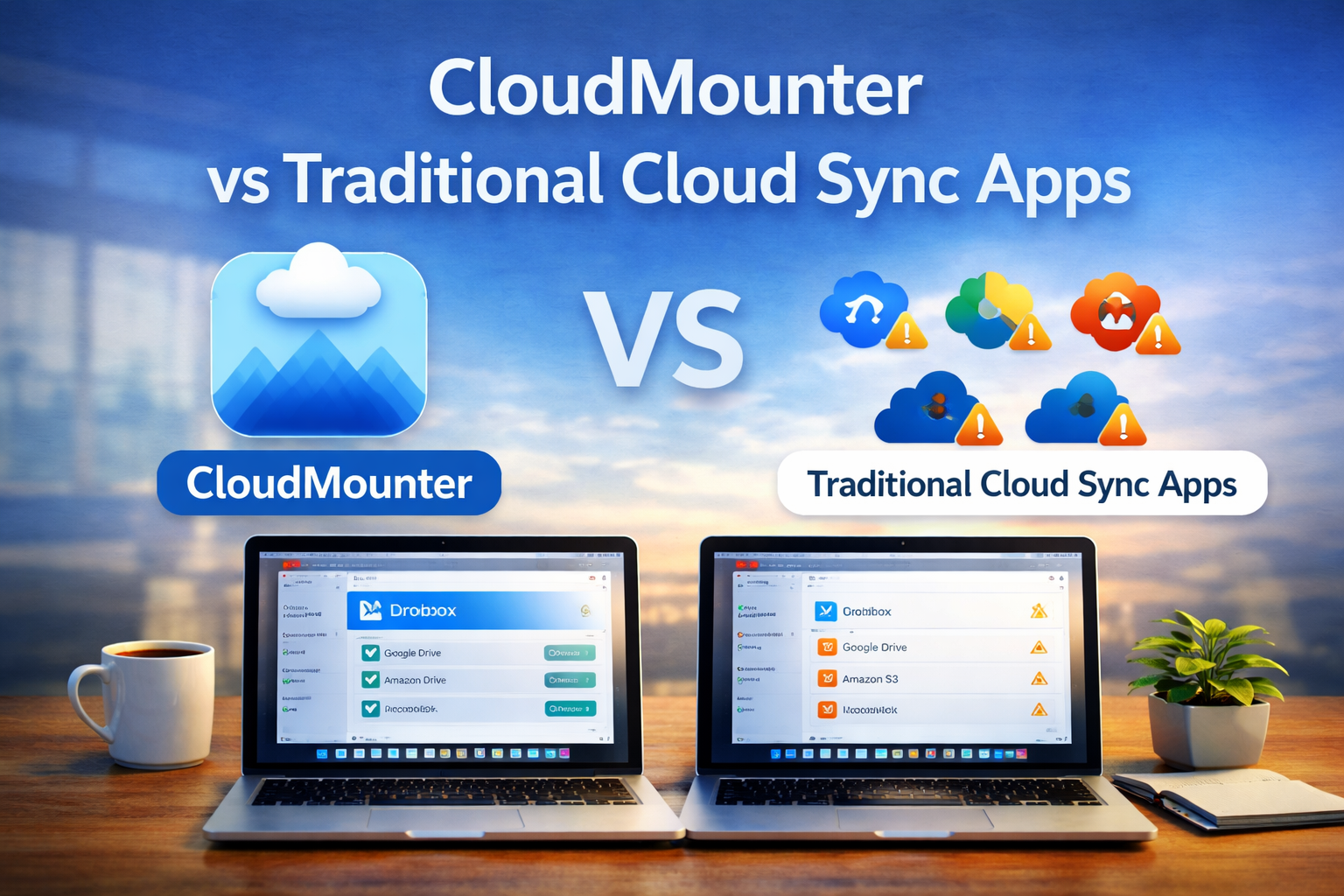
Many people use cloud storage to save files online, but not everyone understands how these tools really work. Some apps sync files to your computer, while others mount cloud storage like a local drive. This difference matters a lot, especially for beginners with limited disk space.
In this article, we explain CloudMounter and traditional cloud sync apps in very simple words. You will clearly see how both work, where they are different, and which option fits your needs better.
Understanding CloudMounter
CloudMounter is a tool that connects cloud storage directly to your computer without downloading everything. It shows cloud files as if they are stored on your device. You can open, move, or delete files just like normal folders.
Instead of copying files to your system, CloudMounter lets you work with them online. This helps keep your computer clean and organized.
How CloudMounter Works
CloudMounter uses a mounting method. Mounting means your cloud storage appears as a drive inside your system. Files are loaded only when you open them.
Because files are not fully saved on your computer, you save disk space. This method is easy to understand and works well for daily file access.
Supported Cloud Services
CloudMounter works with many popular cloud storage services and also supports server-based connections. You can connect personal and work accounts in one place.
This setup is helpful for users who want to add one drive to finder and access files without opening browsers or extra apps.
Key Features of CloudMounter
CloudMounter focuses on simple and practical features that beginners can use easily.
Key features include:
- Cloud storage mounted as local drives
- Support for server connections
- Strong file encryption
- Offline access using cached files
- One interface for many accounts
Because of this, many users treat it as a multiple cloud storage manager app instead of installing many separate tools.
Understanding Traditional Cloud Sync Apps
Traditional cloud sync apps work in a different way. They copy cloud files to your computer and keep them updated in the background. This method is common but not always ideal.
These apps are easy to start with, but they use more disk space over time.
What Are Traditional Cloud Sync Apps
Traditional cloud sync apps download files from the cloud and store them locally. Any change you make is synced back to the cloud automatically.
This means you always have a full copy of your files on your device.
How Cloud Syncing Works
Syncing works by checking for changes all the time. If a file is updated online, the app downloads it. If you change a file locally, it uploads the update.
This constant syncing can use storage, internet data, and system resources.
Popular Traditional Cloud Sync Apps
Many users rely on traditional syncing because it feels familiar. These apps are often included with cloud accounts and are easy to install.
However, they may not suit users who work with large files or limited storage.
CloudMounter vs Traditional Cloud Sync Apps
Both options help you access cloud files, but the way they work is very different.
Mounting vs Syncing Approach
CloudMounter mounts files and opens them only when needed. Traditional apps sync files and store everything locally.
Mounting keeps files online. Syncing keeps files on your computer.
Storage Usage and Disk Space
CloudMounter uses very little disk space because files stay in the cloud. Only temporary cache files are stored.
Traditional sync apps can fill your disk quickly, especially if you have large folders.
Performance and Speed
CloudMounter depends on internet speed when opening files. Small files open fast, while large files may take time.
Sync apps are faster for already-downloaded files but can slow down your system during syncing.
Offline Access
CloudMounter allows limited offline access through cached files. You can edit files you opened before.
Traditional sync apps offer full offline access because all files are stored locally.
Security and Encryption
CloudMounter encrypts files before they connect to the cloud. This adds an extra layer of safety.
Traditional sync apps rely mostly on cloud-side security and local device protection.
Multi-Account and Multi-Cloud Support
CloudMounter supports many cloud accounts at once in one interface. This reduces confusion and saves time.
Traditional sync apps usually work with one account per app.
Quick Comparison Table
| Feature | CloudMounter | Traditional Sync Apps |
| Disk Space Usage | Very low | High |
| File Access | On demand | Always stored |
| Offline Access | Limited | Full |
| Multi-account Support | Yes | Limited |
| System Load | Light | Can be heavy |
User Experience Comparison
Ease of use matters a lot for beginners.
Setup and Ease of Use
CloudMounter setup is simple and guided. Once connected, drives appear automatically.
Sync apps are also easy to install but require folder selection and storage planning.
File Management Workflow
CloudMounter lets you manage files directly from your system folders. No need to wait for downloads.
Sync apps require space management and sometimes manual cleanup.
Collaboration and Sharing
Both options support file sharing through the cloud. However, CloudMounter keeps shared files online instead of duplicating them locally.
This helps keep systems organized.
Pros and Cons of CloudMounter
CloudMounter offers many benefits, but it is not perfect.
Pros
- Saves disk space
- Strong file encryption
- Simple interface
- Supports many accounts
- Clean file workflow
Cons
- Needs internet for most tasks
- Offline access is limited
Limitations and Considerations
Every tool has limits, and understanding them helps avoid confusion.
Limitations of CloudMounter
CloudMounter is not ideal if you need full offline access all the time. Large files may take longer to open on slow connections.
It works best with a stable internet.
Limitations of Traditional Sync Apps
Traditional sync apps can fill your disk quickly. They may slow down your system during background syncing.
Managing multiple accounts can also become messy.
Final Words
CloudMounter and traditional cloud sync apps solve different problems. If you want to save disk space and manage many cloud accounts easily, CloudMounter is a strong choice. If full offline access is your top priority, syncing may work better.
For beginners who want simplicity, clean storage, and easy access, CloudMounter offers a clear and practical approach without extra complexity.